 - Knowledge Base
 A PBX receives incoming calls, identifies the destination extension or department, and routes the call accordingly. It manages internal communication between users and connects outgoing calls to external phone networks while providing features like call transfer, voicemail, and call forwarding.
A PBX dashboard gives administrators a centralized place to configure and monitor the phone system.
Dashboard Setup
- Sign in to AgentFront CRM.
- From the top menu, select PBX.
- The Dashboard opens by default.

- There is Add New Phone button above the Action Column on the right side of the page.
- There are sub-functionalities of PBX: Extension, Call Routing, IVR, Inbound Routes, Outbound Routes and Time Condition.
- There are options to Enable/Disable (
 /
/ ), View (
  ), Edit (
 ) and Delete (
 ) the existing Phone Number under the Action column.
Action Column Functionalities:
Enable/Disable Phone Number:
- Click Enable/Disable (/ )icon from the Action Column for the Phone Number you want to Enable/Disable.
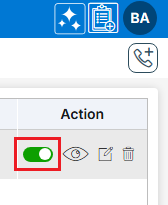
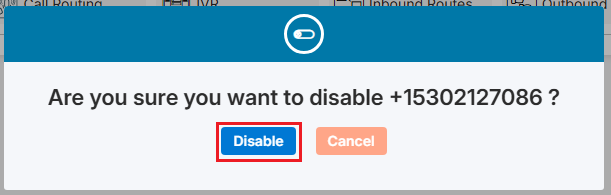
- It will ask for confirmation popup, click on Enable/Disable (/ ) button as per the requirement otherwise click on Close button. If the status is Enable ( ), user can Disable the status and if the status is Disable ( ), user can enable the status.
View Phone Number:
- Click View (
 ) icon from the Action Column for the Phone Number you want to view details of Phone Number.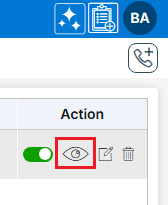
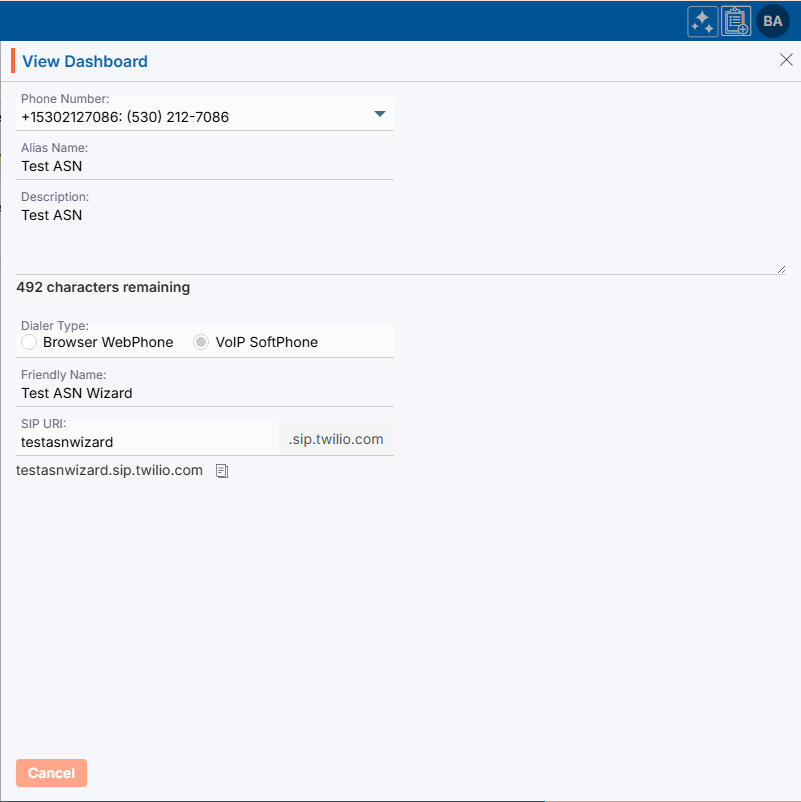
- A new pop-up window will open, displaying all the Phone Number details in view only mode.
Edit/Update Phone Number:
- To update the existing Phone Number from the available list, Click on Edit () icon from Action Column for the Phone Number you want to edit/update.
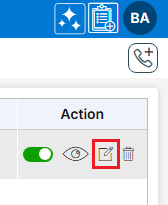
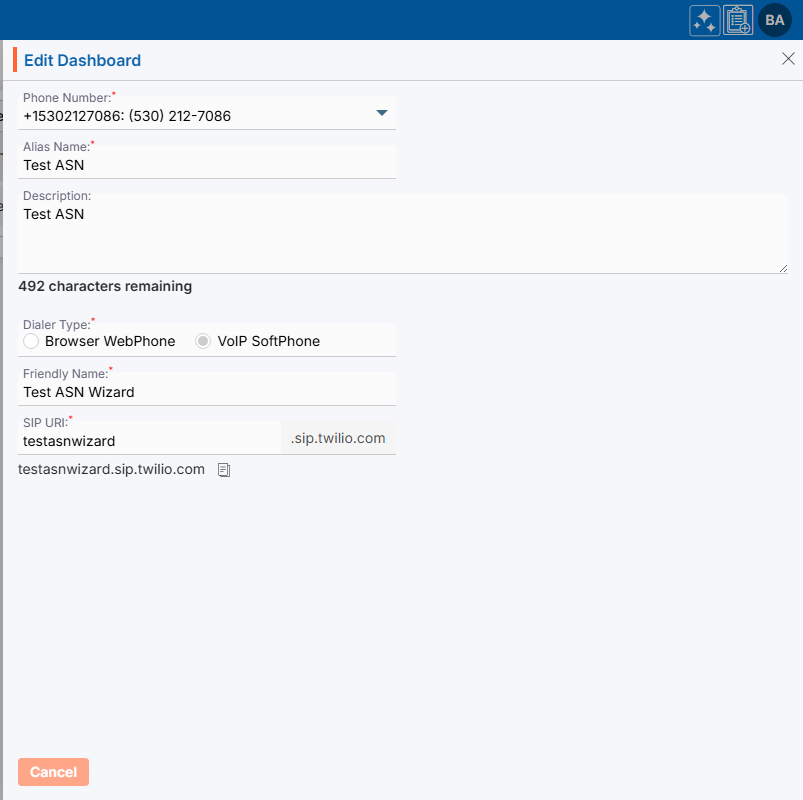
- Clicking Edit () icon will open the selected Phone Number in edit mode with title Edit Phone Number. Update the required field and click Save.
Delete Phone Number:
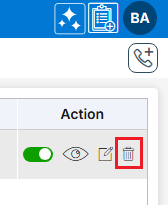
- To delete the unwanted existing Phone Number from the available list, click on Delete () icon from the Action Column for the Phone Number you want to delete.
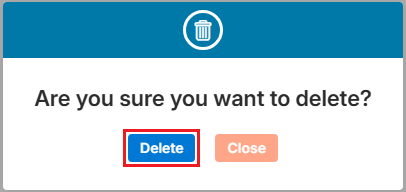
- It will ask for confirmation popup, click on Deleted button to delete the Phone Number otherwise click on Close button.
- On the same page there are following functionalities available:
- Extension: A unique internal number assigned to a user or device within the PBX system for internal communication. (More Info… Click Here)
- Call Routing: The process of directing incoming or outgoing calls to the appropriate extension, department, or destination. (More Info… Click Here)
- IVR: An automated menu system that lets callers choose options using keypad inputs or voice commands. (More Info… Click Here)
- Inbound Routes: Rules that determine how incoming calls are handled and where they are directed within the PBX. (More Info… Click Here)
- Outbound Routes: Rules that define how outgoing calls are sent through available phone lines or service providers. (More Info… Click Here)
- Time Condition: A feature that routes call differently based on predefined schedules, such as business hours, weekends, or holidays. (More Info… Click Here)
 0
0
 0
0